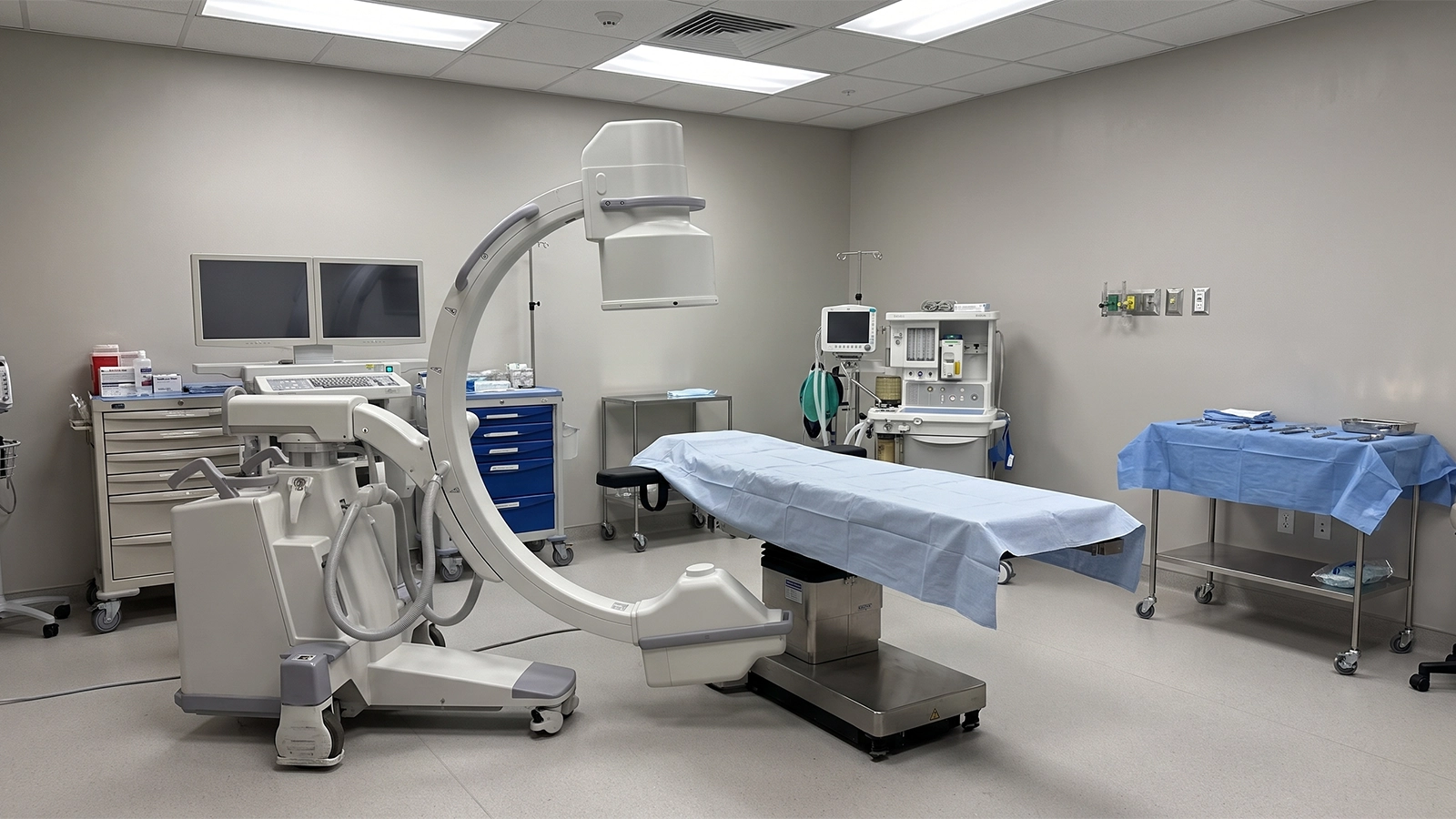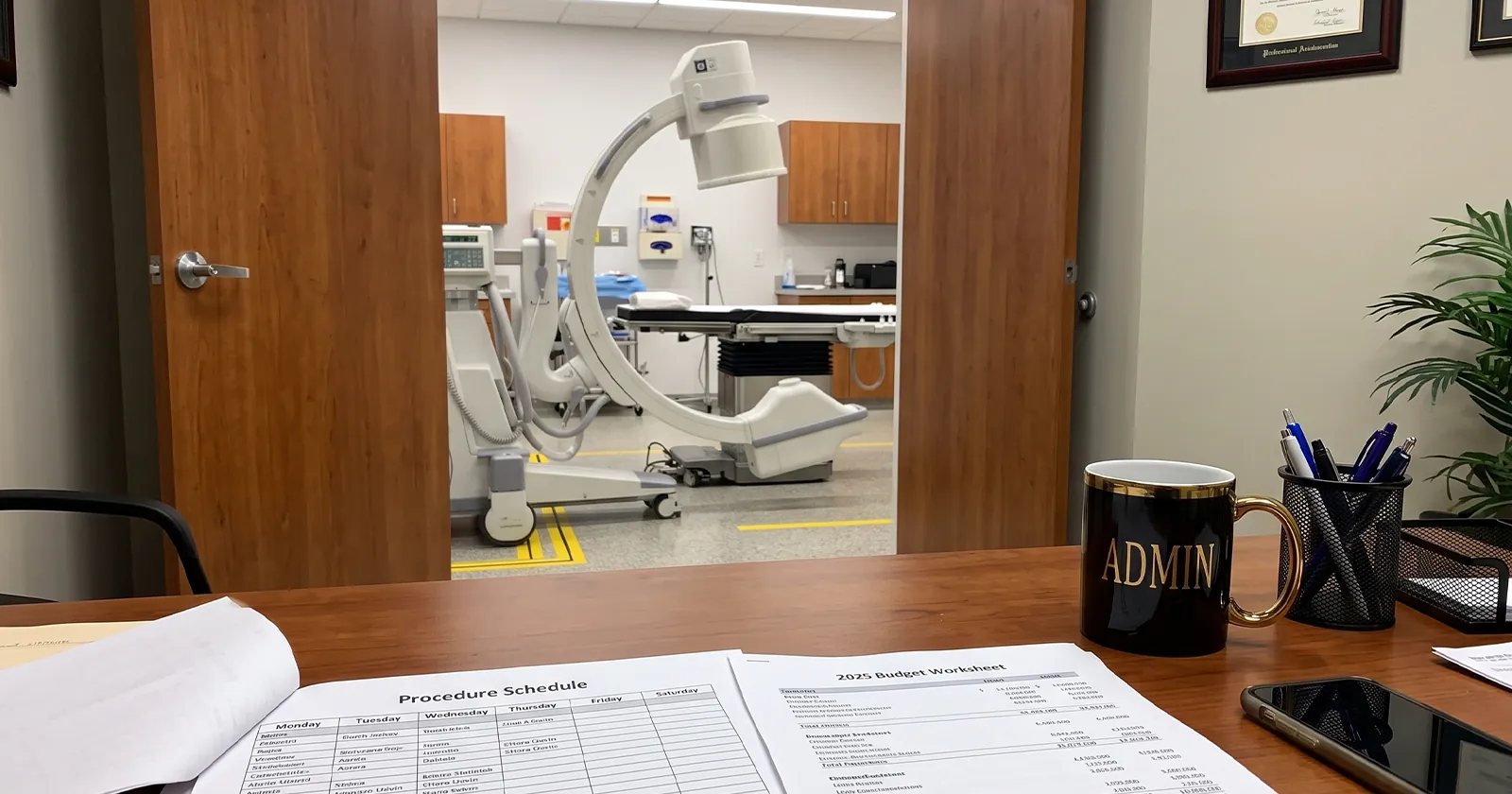
A surgery center administrator in Tampa gets two rental quotes for next month’s ortho block. One’s for a GE OEC 9900 Elite, the other for a 9800, and the price difference is enough to make her ask the obvious question: is the newer model actually going to take better pictures, or is she paying more for a name?
It’s a fair question, and the honest answer surprises most people who ask it. Most rental companies won’t walk you through it, either because the person quoting you doesn’t know the difference themselves, or because the pricier machine is the better sale. Here’s what’s actually different between the two, and which one fits which kind of case.
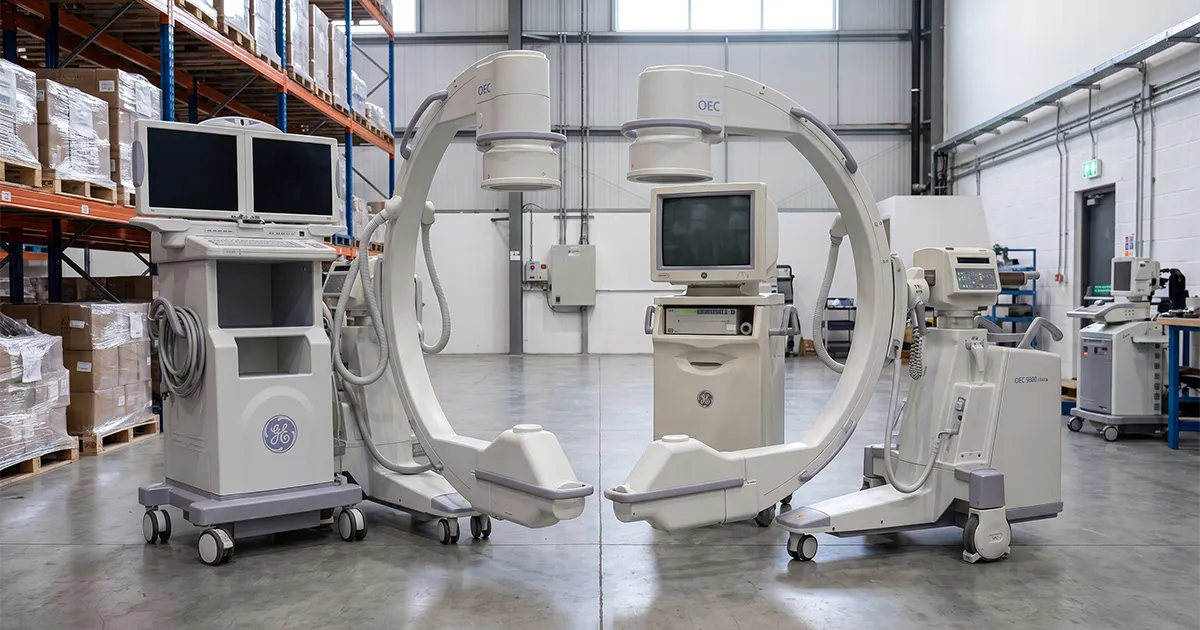
- Fleet of 20 Machines + 11 Trucks, Statewide
- Same-Day Delivery Across Florida
- 24/7 Direct Access to Travis & Sean
- GE OEC 9900 Elite and 9800 Available
- All-Inclusive: Delivery, Setup & Retrieval
The Short Answer
The two machines share the same X-ray tube, the same generator, and the same image intensifier, so the actual image quality is nearly identical. What separates them is everything built around that core: the monitors, the storage, and the software running the show. Here’s the breakdown side by side.
| Feature | GE OEC 9900 Elite | GE OEC 9800 |
|---|---|---|
| Image Resolution | 1k x 1k | 1k x 1k |
| Image Intensifier | 9″ or 12″ | 9″ or 12″ |
| Generator | 15kW, 60kHz | 15kW, 60kHz |
| Monitors | Dual 18″ flat-panel, articulating | 18″ CRT |
| Image Storage (ESP) | Up to 1,000 images | Up to 200 images |
| Software | HIPAA Secure View, USB/DVD, preset profiles, SmartMetal | Standard OEC software |
| Best Fit | Complex/high-documentation cases | Routine procedures |
Why This Comparison Even Matters
Two things go wrong when facilities skip this comparison. The first is overpaying: renting a 9900 Elite for a routine pain management block that would run identically on a 9800, because nobody explained that the image quality is the same. The second is worse: renting a 9800 for a heavy vascular or spine schedule and running out of onboard image storage mid-case, or missing the artifact cleanup a dense-anatomy case actually needed. Neither mistake is about the machine failing. It’s about matching the machine to the case load before the truck shows up.
What's Actually the Same Between the Two Machines
Identical Core Imaging Hardware
The 9900 Elite and the 9800 run the same generator, the same image intensifier options, and the same 1k x 1k resolution camera, standard across GE Healthcare’s OEC product line. If someone tells you the 9900 Elite produces sharper images, that’s not accurate. The picture on the monitor comes from the same imaging chain either way, which means a facility choosing based on image quality alone can save money without giving up anything clinically. That matters beyond the sales conversation, too. A surgeon who’s used to a certain image quality on one machine gets the same read on the other, so switching between a 9900 Elite and a 9800 mid-rotation doesn’t change what shows up on the monitor during the case.
Where the 9900 Elite Pulls Ahead
Flat-Panel Monitors Instead of CRT Screens
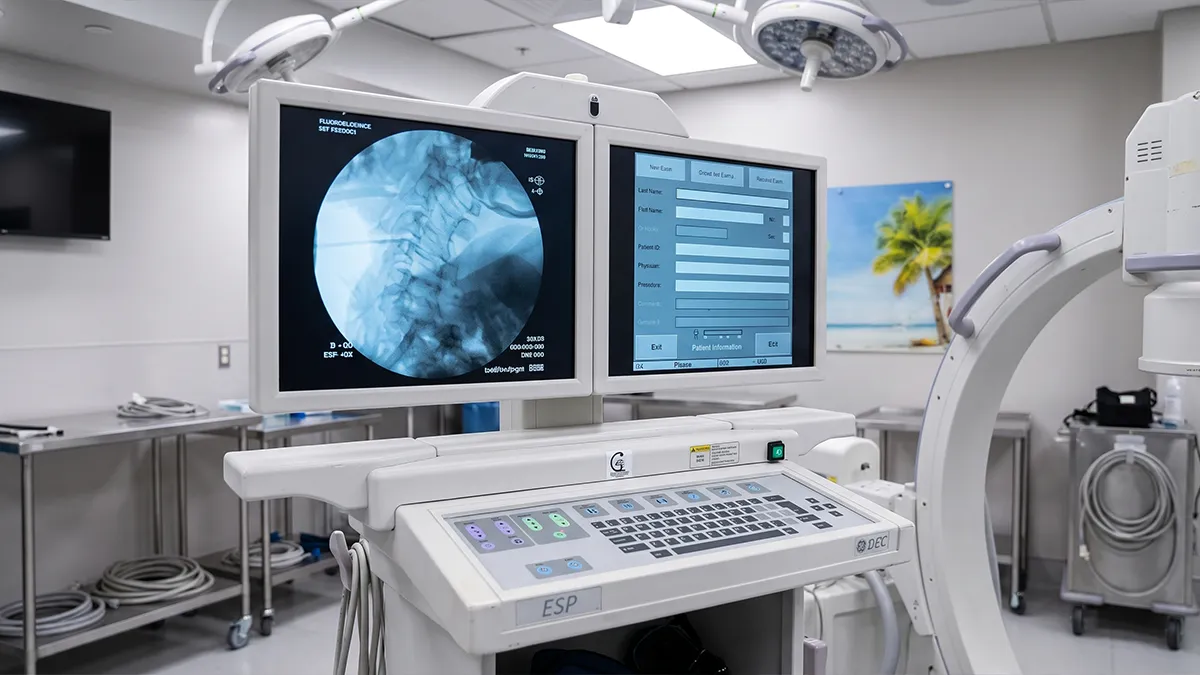
The 9800 runs on 18-inch CRT monitors, the older tube-style displays. The 9900 Elite swapped those for articulating flat-panel monitors with better touchscreen response. That difference shows up during a case: a flat panel is easier to position around the OR table, holds a sharper picture at an angle, and doesn’t have the bulk a CRT monitor carries. For a facility running long case days, that ergonomic difference adds up across the room over the course of a shift, even if it never shows up in the image itself.
More Image Storage and Modern Software
The 9800 tops out around 200 stored images on its ESP system. The 9900 Elite holds up to 1,000, plus it added HIPAA Secure View, moved off floppy disks to USB and DVD, and built in preset image profiles for common configurations. On dense-anatomy cases, the 9900 Elite also runs SmartMetal, software that reduces the artifact hardware throws into the image, useful anywhere a case involves existing metal implants. For a facility documenting every case for referral records or compliance review, that extra headroom means not having to offload images mid-day just to keep shooting.
When the 9800 Still Gets the Job Done
The imaging hardware is identical, so the 9800 doesn’t take a worse picture than the 9900 Elite. The real question is whether a facility actually needs the extra storage and the newer monitors for the cases on its schedule. A pain management block running routine injections, a general ortho day without complex hardware cases, a facility that isn’t archiving hundreds of images per procedure: none of that pushes past what the 9800 handles, and there’s no reason to pay for storage and software a case load isn’t using.
Which Procedures Actually Call for the 9900 Elite
Vascular and cardiac procedures tend to generate more images per case than a routine block, which makes the 9900 Elite’s storage headroom worth having rather than optional. Complex orthopedics and spine work, especially cases with existing hardware or implants, benefit directly from SmartMetal’s artifact reduction, since that’s exactly the kind of image the feature was built to clean up. If a facility is documenting extensively for referral or compliance reasons, HIPAA Secure View and the higher image count matter more than they might on paper.
A Quick Self-Check Before You Call
A few questions answer most of this before the phone even rings. Does your schedule include vascular, cardiac, or spine cases with existing hardware? That points toward the 9900 Elite. Are you documenting extensively for referral records, insurance review, or compliance purposes? Same answer. Is the case load mostly routine pain management or general orthopedics without heavy imaging volume per case? The 9800 covers that without paying for storage and software you won’t use. None of this requires a technical background, just an honest look at what’s actually on the schedule.
Renting Either Model From Coast to Coast
Both machines ship the same way: delivered, calibrated, and set up in the procedure room before the case starts, with retrieval handled at the end of the rental. If a case mix shifts mid-rental, say a facility picks up an unplanned vascular case on a 9800 rental, switching to a 9900 Elite for that block is a phone call to Coast to Coast, not a new vendor search or a renegotiated contract. Emergency replacement works the same way regardless of which model is on-site if something goes wrong.
How Coast to Coast Helps You Decide
Coast to Coast Radiology stocks both the GE OEC 9900 Elite and the GE OEC 9800, so the recommendation isn’t tied to whichever unit happens to be sitting in the truck that week. Call and describe the actual case mix, vascular, ortho, pain management, whatever’s on the schedule, and get a straight answer on which model fits, not a push toward the more expensive one by default. Every unit ships calibrated and ready, and if a case load changes mid-rental, switching models is a phone call, not a new contract.
The Bottom Line
If the case load leans routine, pain management, general ortho, procedures without heavy documentation needs, the 9800 does the job at a lower rental cost. If the schedule includes vascular, cardiac, or complex ortho and spine work with existing hardware, the 9900 Elite’s storage capacity and SmartMetal artifact reduction earn their keep. Either way, the image quality itself was never the deciding factor, since that part’s identical on both machines.
Frequently Asked Questions About the GE OEC 9900 Elite vs. 9800
Does the GE OEC 9900 Elite take better images than the 9800?
No. Both machines use the same generator, image intensifier, and 1k x 1k resolution camera, so the core image quality is the same. The 9900 Elite’s advantages are in the monitors, storage capacity, and software, not the picture itself.
Can I rent both the 9900 Elite and the 9800 from Coast to Coast Radiology?
Yes. Coast to Coast Radiology stocks both models statewide across Florida and can help match the right one to your case mix.
Which model do most Florida surgery centers use?
Both are common in Florida surgery centers, pain management clinics, and orthopedic practices. The right choice usually comes down to image storage needs and whether a facility’s case mix includes dense-anatomy work that benefits from SmartMetal artifact reduction.
Is the GE OEC 9800 outdated?
No. The core imaging hardware is identical to the 9900 Elite, so the 9800 still produces clinically reliable images. It’s a fit for facilities that don’t need the extra storage capacity or the newer monitor technology.
Is there a price difference between renting the 9900 Elite and the 9800?
Yes, the 9900 Elite typically rents at a higher rate given its added storage and software. Coast to Coast Radiology doesn’t publish rates online since the right number depends on duration, configuration, and case volume. Call (941) 371-9659 for a quote based on your actual schedule.
What if I'm not sure which model my facility needs before the first rental?
Call and describe a typical week on your schedule. Coast to Coast Radiology can recommend a starting point based on case mix, and switching models between rentals if the fit isn’t right is straightforward.
Get the Right C-Arm for Your Next Rental
Whether the answer is a 9900 Elite or a 9800, Coast to Coast Radiology delivers it calibrated and ready, statewide across Florida, with the owners on the phone if anything changes mid-rental.